LinkedIn for an expert: a 10-slide carousel and the profile design
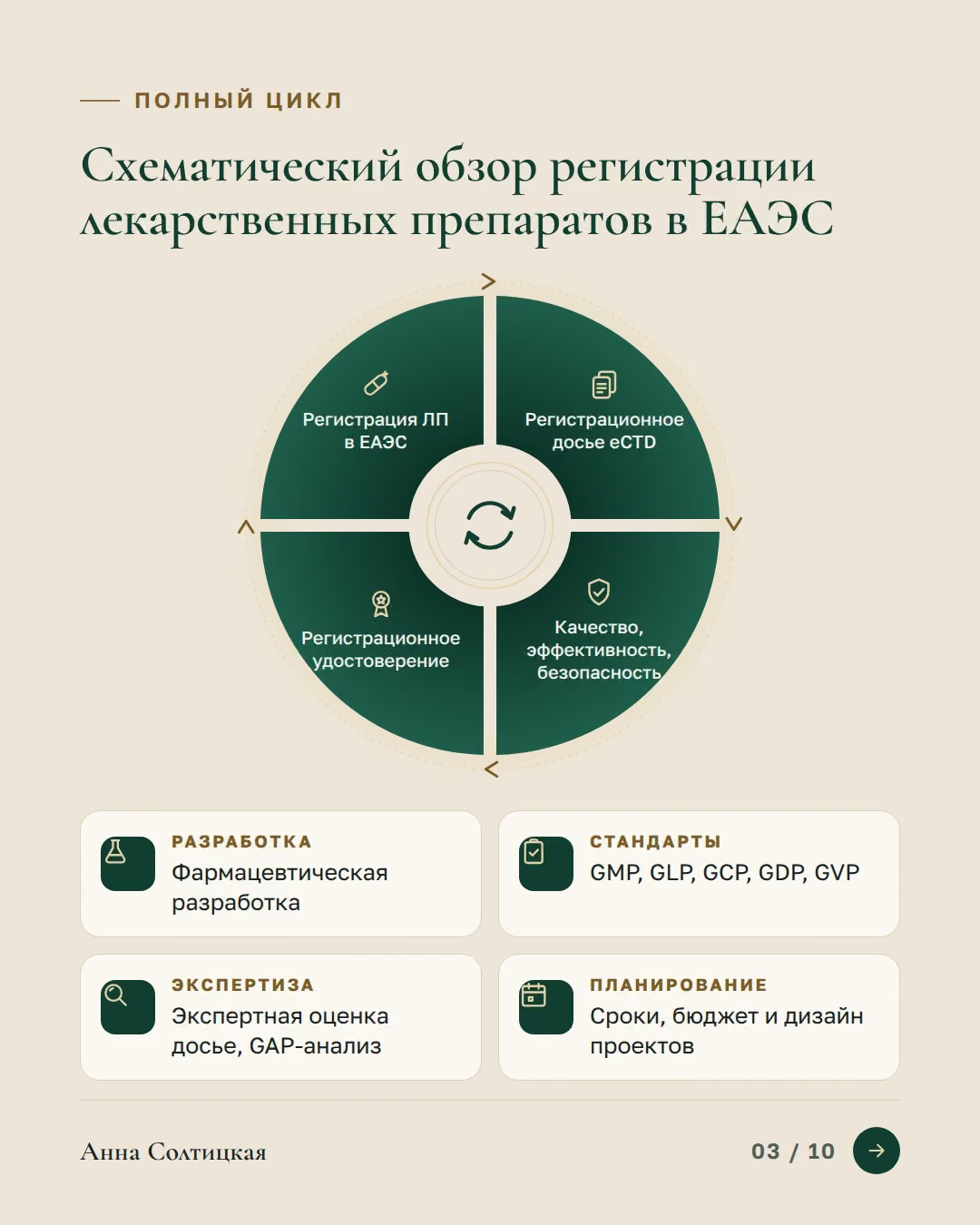
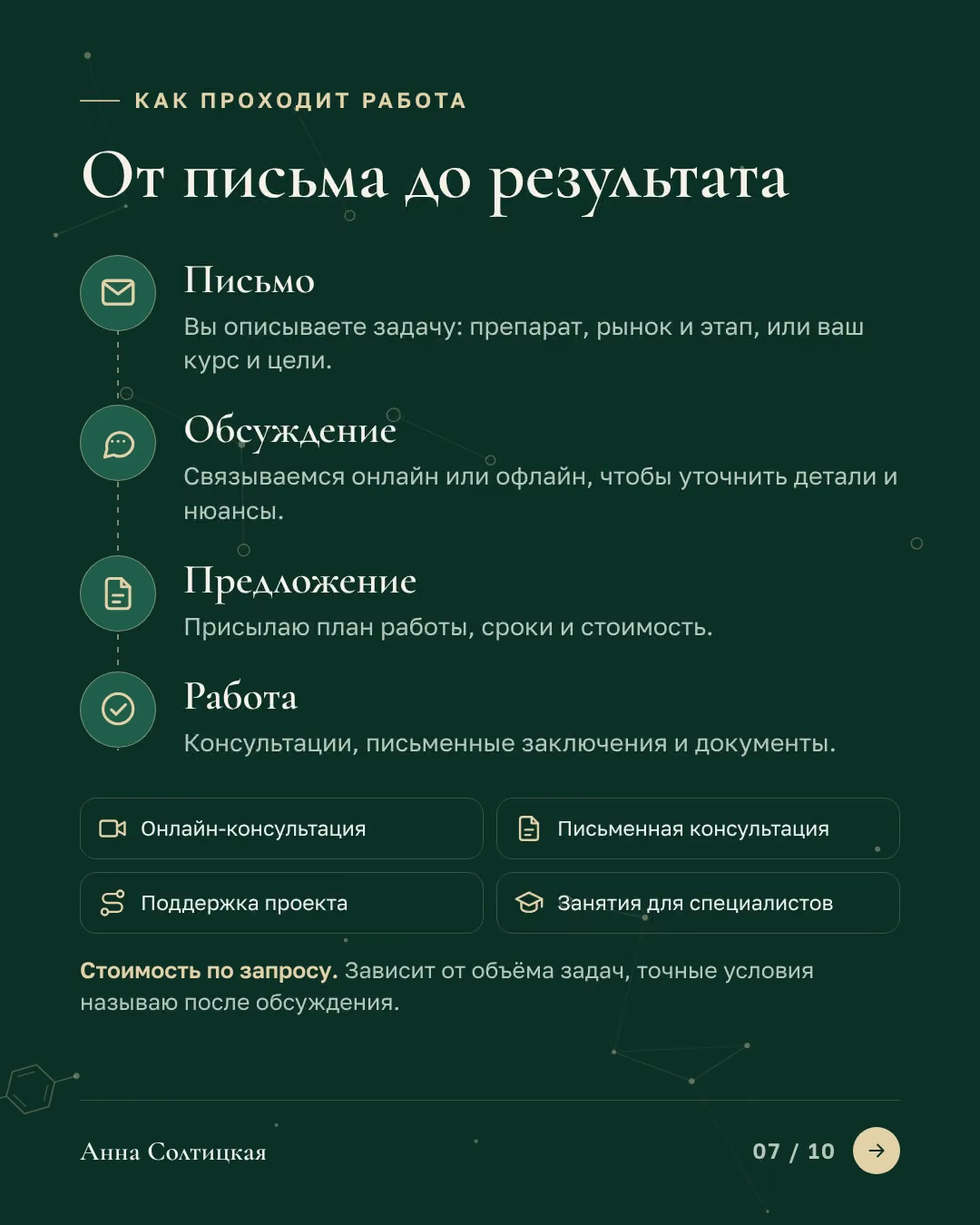
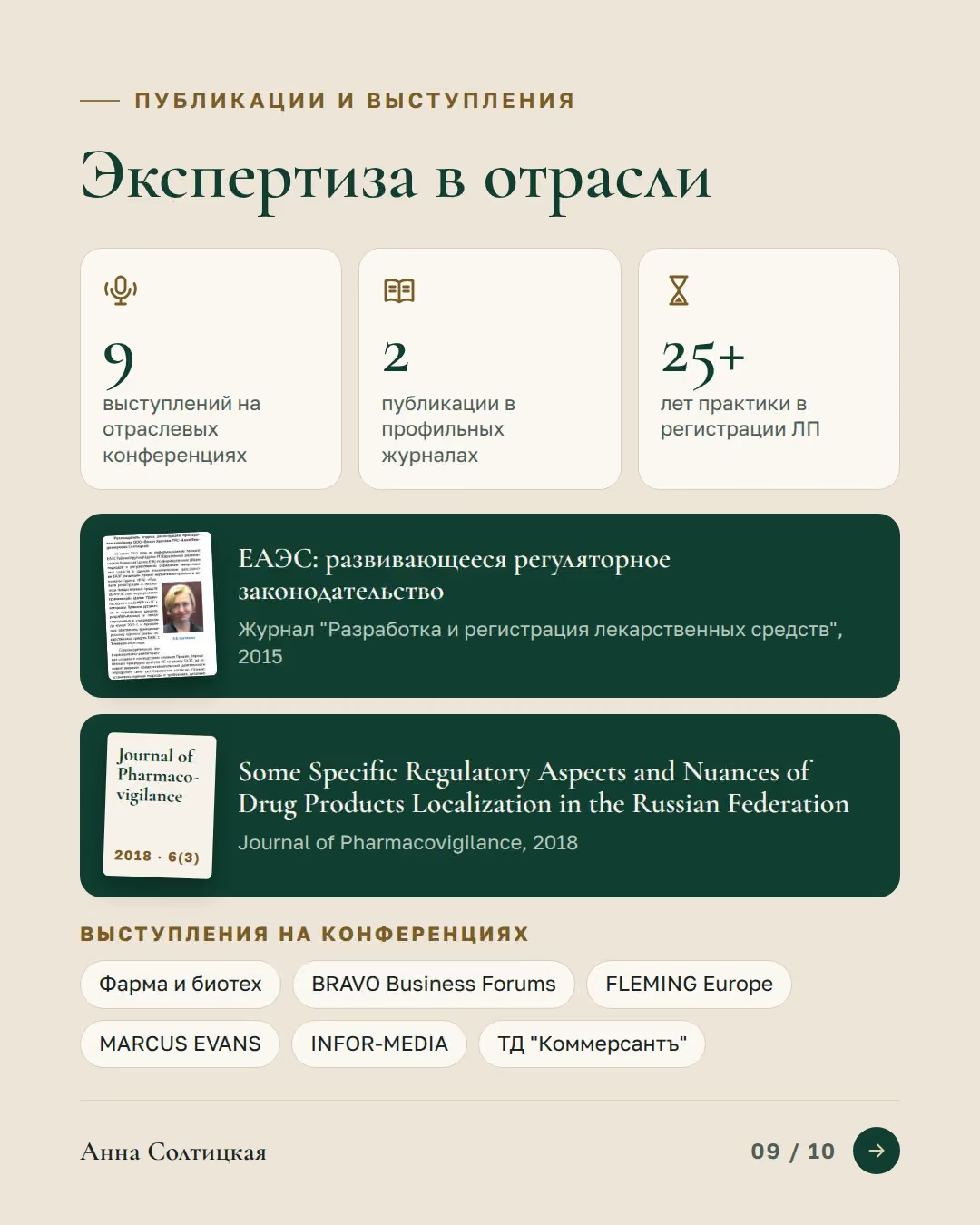
A LinkedIn kit for a consultant in medicinal product registration. A 10-slide carousel in the 4:5 format people swipe right in the feed: who the expert is and whom she helps, the full-cycle diagram, the areas of work, what the client gets, mentoring, how the work goes, experience, papers and a pointer to the site. With it come the profile banner, a post image about the site launch and two avatars. Everything is in two languages and in the style of the new site: the same colours, fonts, icons and diagram.
- 10
- slides in the carousel
- 2
- languages: Russian and English
- 4:5
- slide format for the feed

The interactive demo did not start in this browser, so a static version is shown.
The task
Carry the new site’s style into the LinkedIn profile: tell about the expert’s services in a format people swipe through in the feed, and make the profile lead to the site.
What I did
- A 10-slide carousel at 1080 × 1350 (4:5): the cover, the areas of work, the full-cycle diagram, what the client gets, mentoring, the steps of the work, experience, papers, a pointer to the site
- Two versions, Russian and English: the slides as images and as a PDF document to post
- The profile banner at LinkedIn’s 1584 × 396 with headroom for retina screens: the services and the site address
- A post image about the site launch at 1200 × 627: a laptop and a phone with the new site
- Two avatars: on the brand green and on a photo
- One style with the site: the colours, fonts, icons, the full-cycle diagram and the molecule grid in the background
Proof
- The carousel turns on the page, and the RU / EN switch changes the language of the whole kit
Materials
8 · Click any item to enlarge it





What else you can hand over to me
- Redesign an existing deck: structure, readability, one consistent style
- Make a series of decks in one style for different audiences
- Prepare a talk: short slides plus the full speech in the speaker notes
- Put together a pitch for partners or investors
- Replace walls of text with diagrams and infographics

A 3D presentation: Pine House as a live scene
The slides are views of one 3D model: the camera flies between them, the text morphs, the roof is cut away into a plan, day turns into dusk and the house turns into a drawing