A 3D presentation: Pine House as a live scene
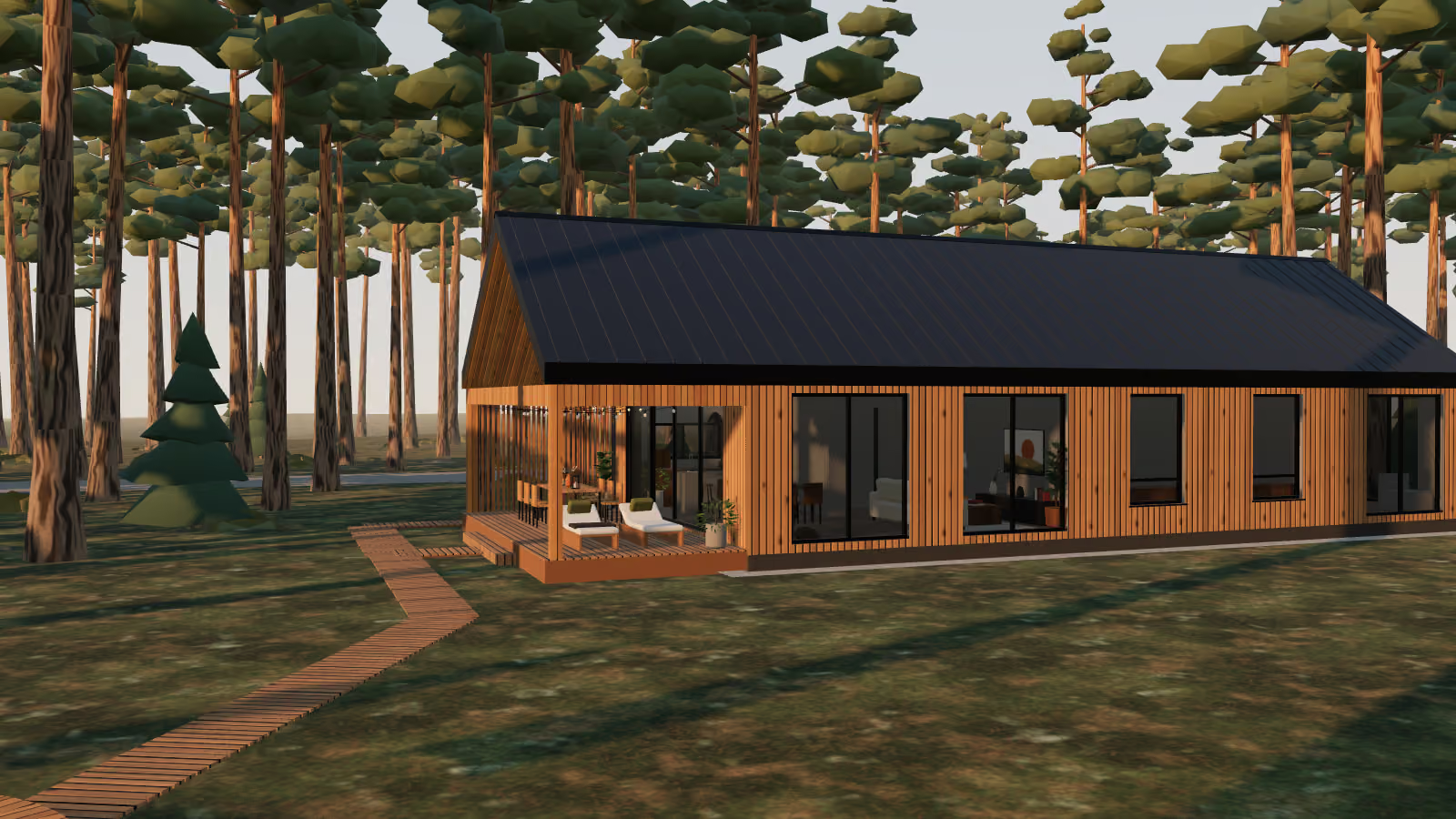
A house project presentation built right from its 3D model. Nine slides: the plot, the layout with highlighted zones, evening light, the kitchen-living room, the terrace, a drawing with the overall dimensions and the key figures. The transitions work like Morph in PowerPoint, only in three dimensions: shared elements glide, numbers count up, the camera flies through the scene. There is a show mode and speaker notes.
- 9
- slides on one 3D scene
- 3
- scene effects: cut, sunset, drawing
- 1
- model for every slide and number

The interactive demo did not start in this browser, so a static version is shown.
The task
Show what a project presentation can be when the model itself is used instead of finished pictures: everything on the slides, the numbers included, comes from it.
What I did
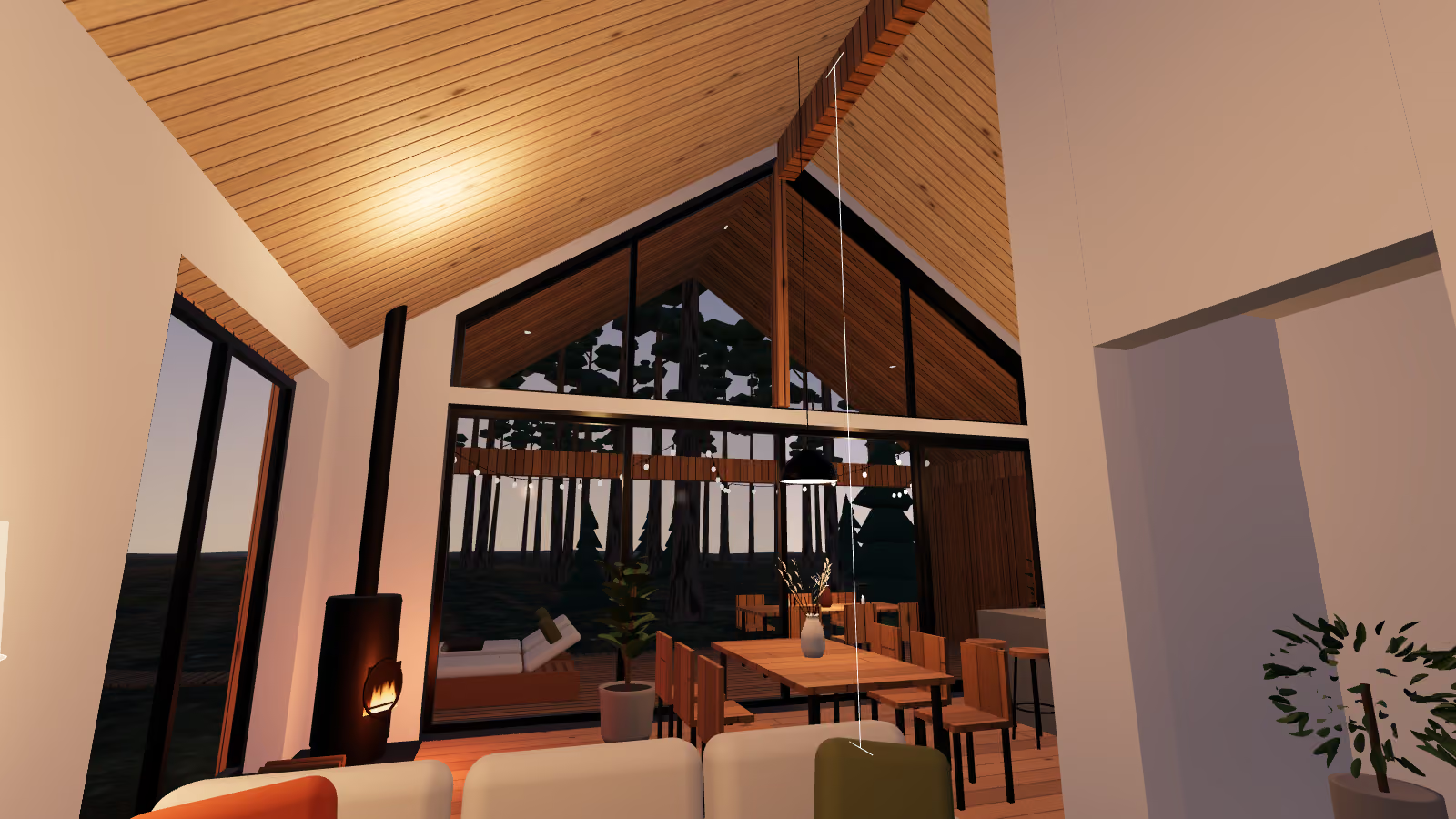
- Nine slides on one scene: the camera flies between the views along a smooth path, around the house and inside through the sliding door
- The text morphs between slides: the title glides to its new place, the words change, the numbers count to their new values
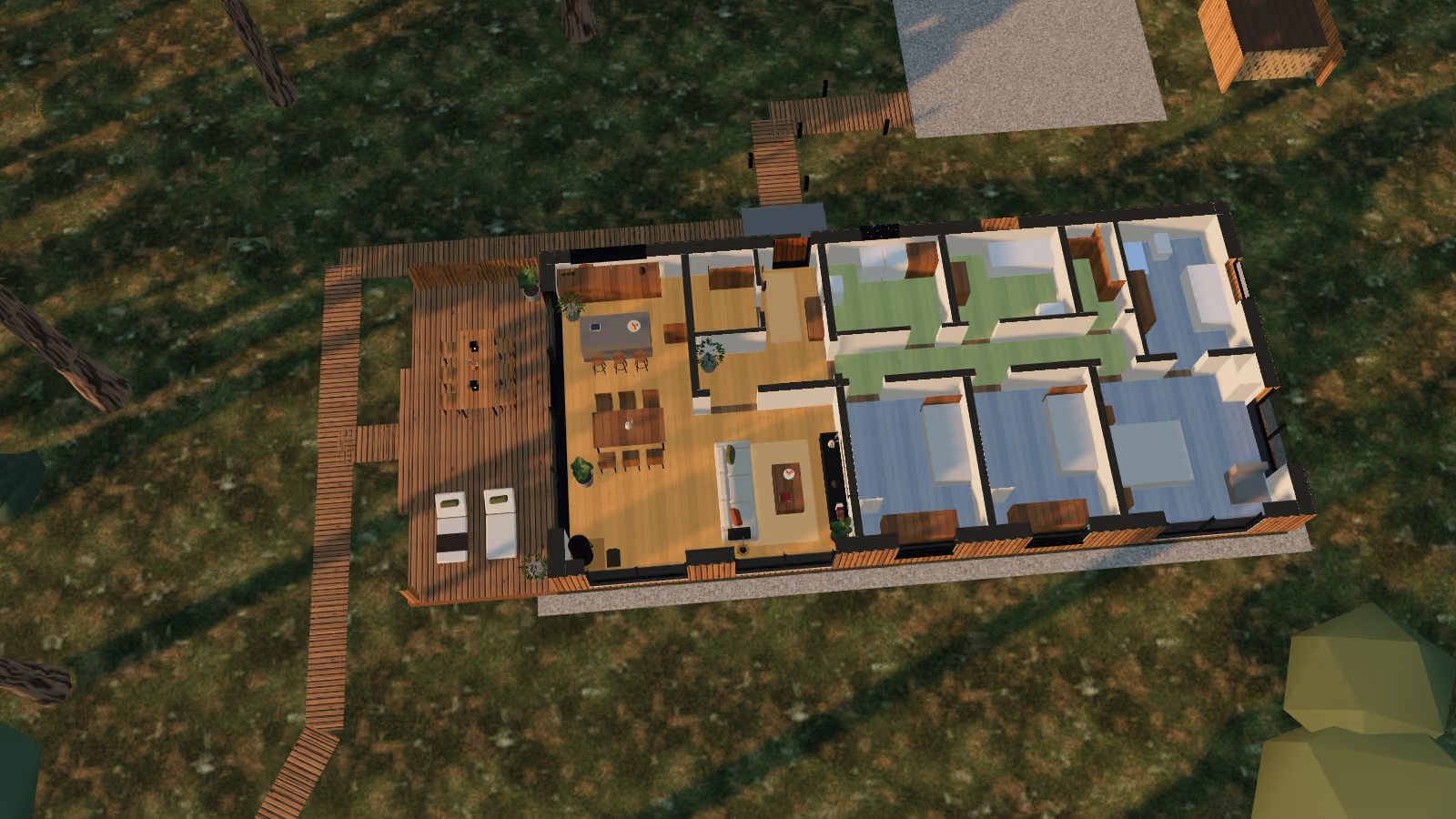
- A cut at 1.2 m turns the house into a plan: the walls in section filled solid, the zones highlighted, every room named with its area
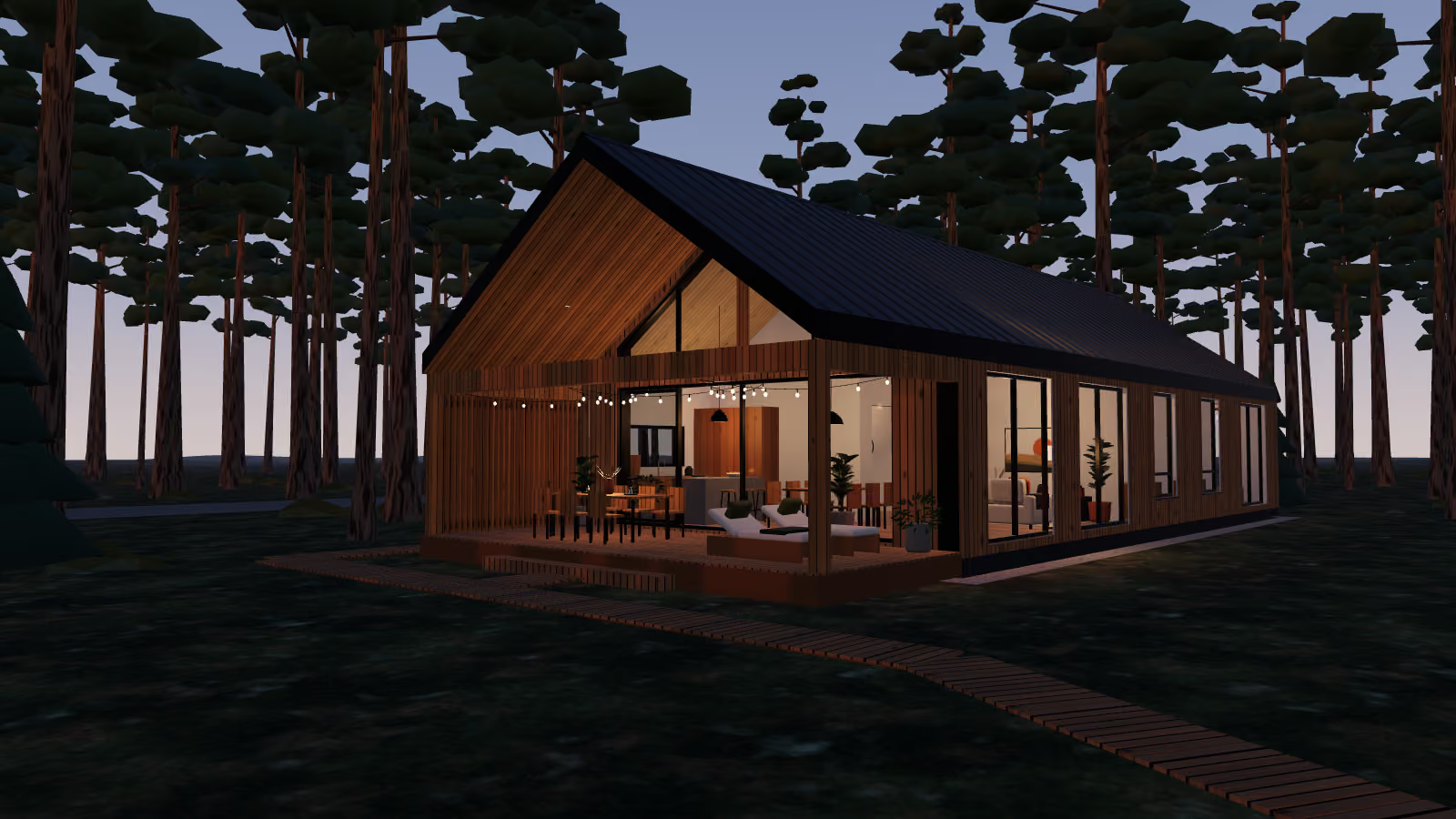
- A sunset right in the model: the sun goes down, the sky darkens, the lights come on in the house and on the terrace
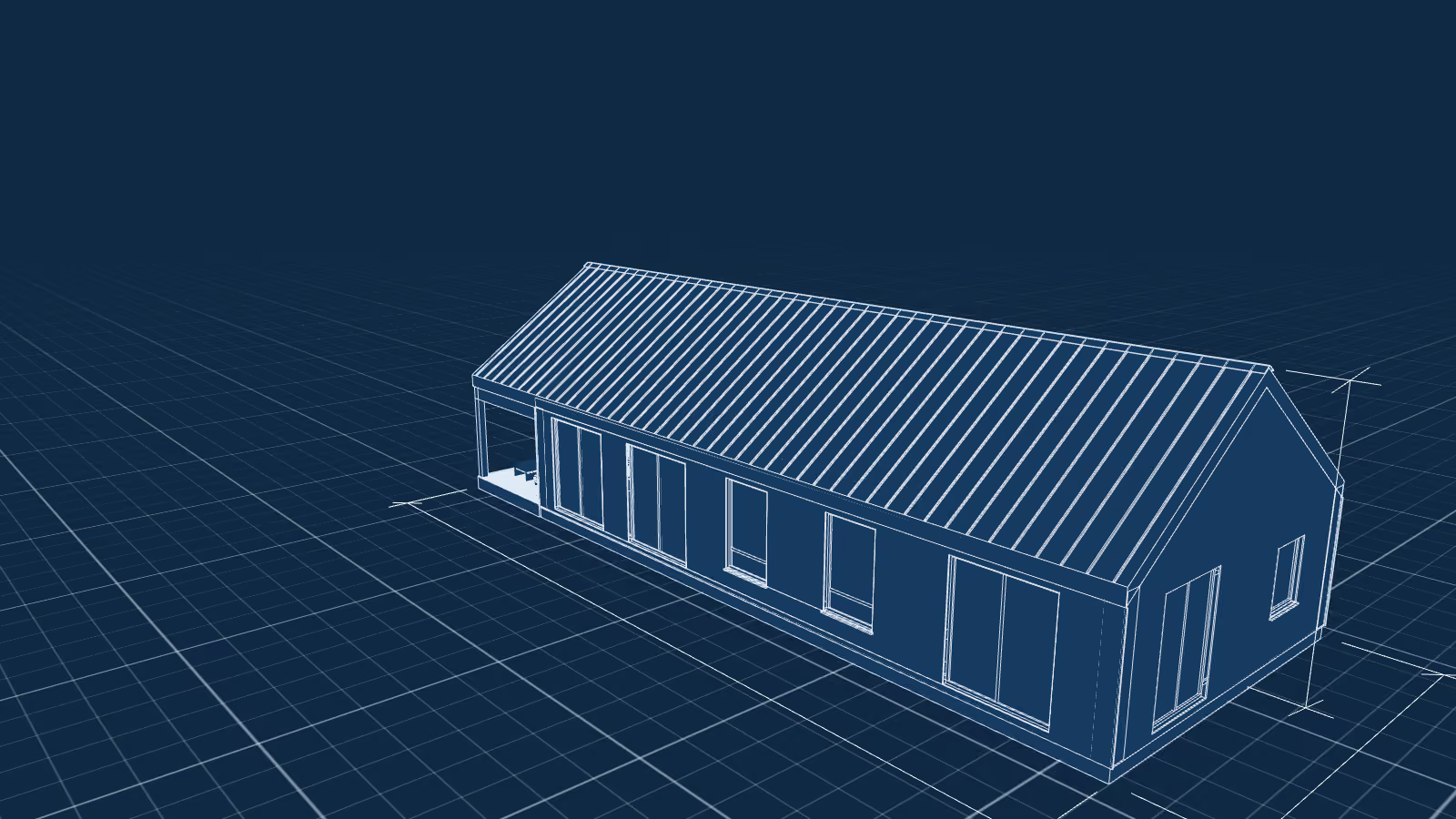
- A scan line turns the house into a drawing: white lines on blue, a grid, the 22.0 × 8.8 m overall dimensions and the ridge level
- A show mode, speaker notes for every slide, keyboard, swipes and full screen
- The same presentation records to video: the preview on the tile was captured frame by frame
Proof
- The presentation runs right on the page: use the arrows, a click or a swipe; Space pauses the show
Materials
5 · Click any item to enlarge it
What else you can hand over to me
- Redesign an existing deck: structure, readability, one consistent style
- Make a series of decks in one style for different audiences
- Prepare a talk: short slides plus the full speech in the speaker notes
- Put together a pitch for partners or investors
- Replace walls of text with diagrams and infographics



Izoldiki Sport: a deck for sports partners
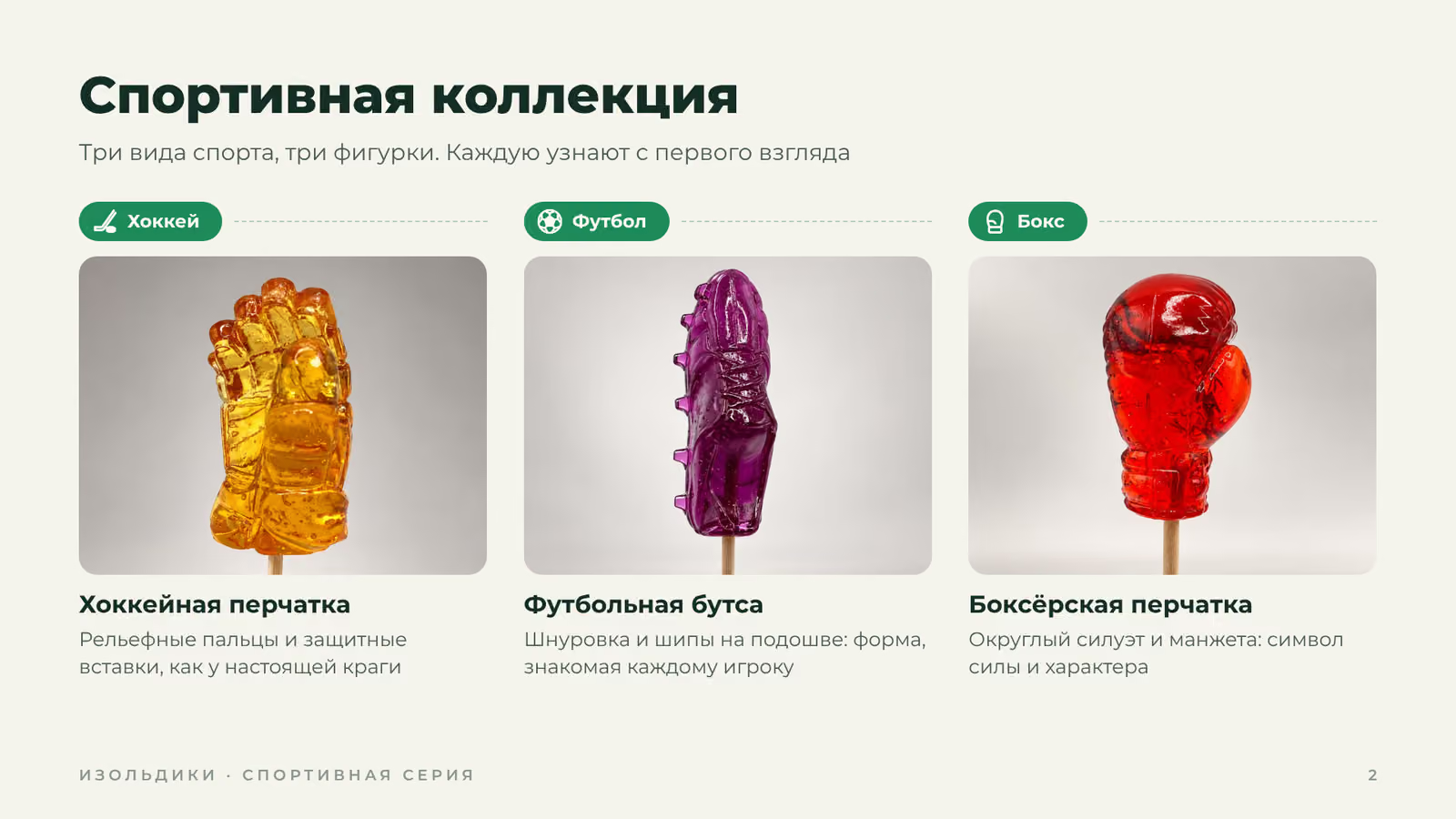
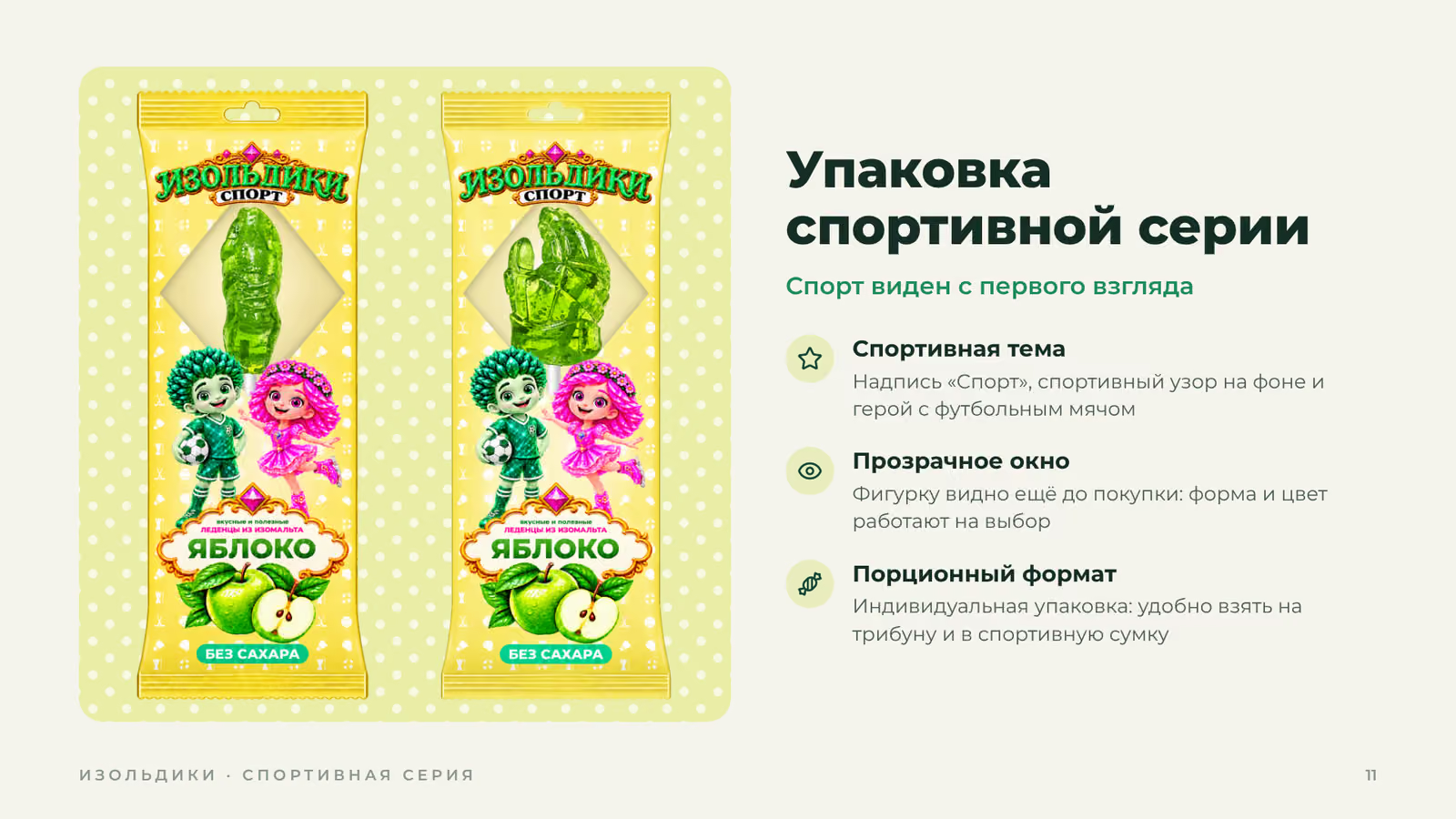
Sugar-free boot and glove lollipops pitched to stadiums, clubs and tournamentsKIGM “Trading without emotions”: a deck and a speech
10 short slides with Morph transitions and a 6–7 minute speech in the speaker notes